
Filter Users
Click to view full screen

Use filters to quickly narrow down the user list based on Role or Status. You can combine filters to refine your results.
Filter Panel
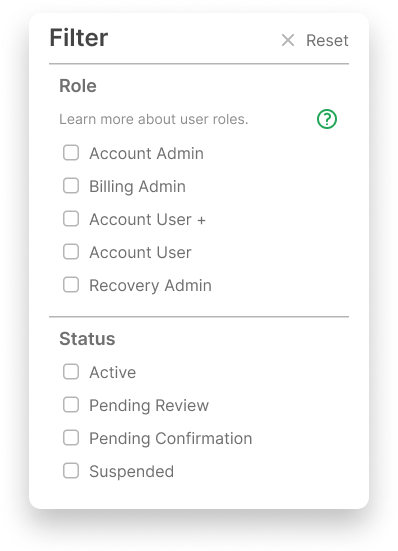
Role: Select one or more roles to filter the user list.
Status: Filter users based on their current platform access (e.g. Active, Suspended, etc.).
How it Works
You can select multiple filters at once.
Filters remain active until manually cleared.
Click Reset in the top right corner of the panel to return the filter settings to their defaults.
Use filters to:
Find all admins at a school
See users awaiting confirmation
Check which users are suspended
Check which users have requested access
Focus on users with specific access levels