Your Dashboard
Click to view full screen…

Your dashboard is personalised to your role.
Your dashboard is the first page you’ll see after logging in.
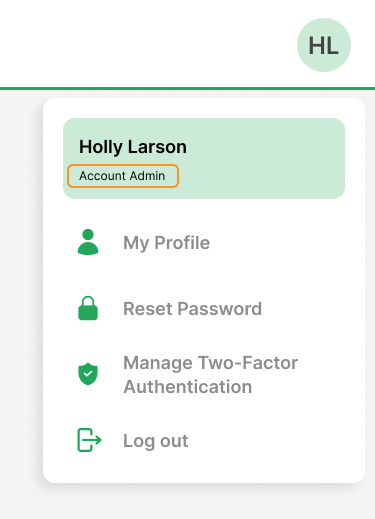
To check which role you have, click the User dropdown (your initials in the top-right corner). Your role will appear under your name.
Once you know your role, choose the matching dashboard guide below.
Open your dashboard guide
If something doesn’t look right, ask your Account Admin to check your access.