Add Child
Click to view full screen…

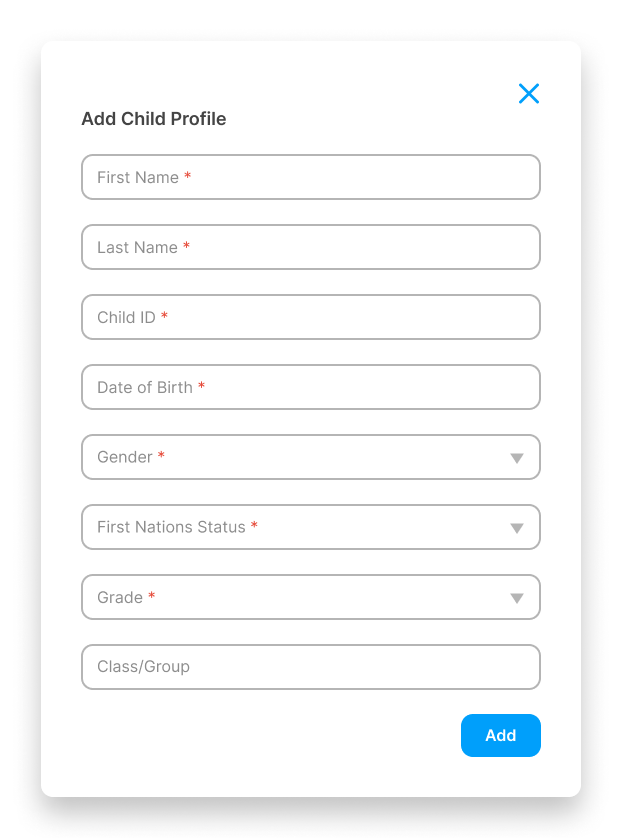
The Add Child panel lets you add individual children to the system, one at a time. This is useful for small numbers or one-off additions.
To open the panel, click Add Child on the Children page.
Fields
First Name (required)
Last Name (required)
Child ID (required) A unique identifier for this child. Use the same ID your school or organisation already assigns (e.g., enrolment number or student ID). This field is used to match records during bulk imports, so keeping it consistent avoids duplicates.
Date of Birth (required)
Gender (required) Male, Female, or Non-binary.
First Nations Status (required) Yes, No, or Unspecified.
Grade (required)
Class/Group (optional but recommended)
Complete all required fields and click Add to save the new child record. If any required fields are missing, the system will prompt you to complete them before saving.