
Enforce Two-Factor Authentication For Your Organisation
Click to view full screen

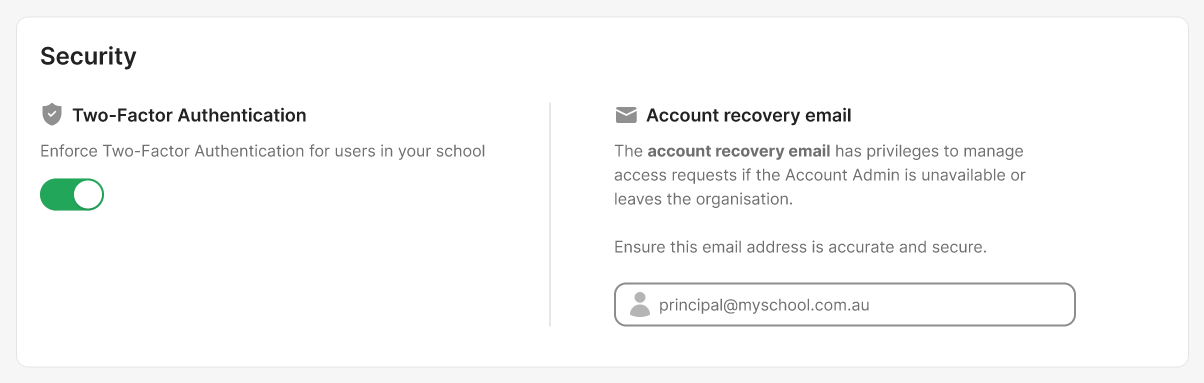
Two-Factor Authentication (2FA) adds an extra layer of security to your organisation’s account. When enforced, all users must verify their identity using an authenticator app (such as Microsoft Authenticator or Google Authenticator) in addition to their password.
How to Use This Feature
Turn on Two-Factor Authentication to require 2FA for all users in your organisation. When enabled, users who have not yet set up 2FA will be prompted to configure it the next time they sign in.
If the feature is later switched off, enforcement is removed, but any users who already set up 2FA will continue to use it.
Benefits
Stronger protection: Lowers the risk of unauthorised access.
Safeguards sensitive data: Protects student, staff, and organisational information.
Meets best-practice standards: Aligns with modern security expectations.
Implications for Account Users
Users will be prompted to set up Two-Factor Authentication the next time they sign in.
Each login will require both a password and a time-based code from their authenticator app.
Ask your users to install an authenticator app (like Microsoft Authenticator or Google Authenticator) before you turn on enforcement. This will make setup easier for them.